Toy Experiment
10Million
FreeNo login required
- Search Foundation
- Shared token balance
- Usage tracking
 chatsaxSearch foundation
Explore the API. Make a real request. Use the code in your application.
AuthorizationConnect your key to run requests with your assigned limits.
X-EngineChoose how the target page is fetched and rendered.
X-Return-FormatSelect the format that best fits your downstream workflow.
AcceptInclude the title, source URL, content and metadata.
X-TimeoutMaximum page-load wait. Enable to set a custom limit.
X-Token-BudgetStop the request if its token budget is exceeded.
X-Respond-WithModel-based extraction for complex pages. Uses more tokens.
X-Target-SelectorFor example: article, .main-content, #post-body.
X-Wait-For-SelectorWait for content that is added by JavaScript.
X-Remove-SelectorRemove navigation, advertisements or other unwanted elements.
X-Retain-ImagesOmit image references from the extracted output.
X-Retain-LinksUse citation markers for compatible web agents.
X-With-Links-SummaryAdd a navigable list of links after the content.
X-With-Images-SummaryCollect image references in a separate section.
viewportSet the viewport width and height. Requires POST.
X-Set-CookieSend a cookie to the target page. Do not share request examples containing credentials.
X-With-Generated-AltGenerate descriptions for images without alt text.
X-Proxy-UrlOptional public HTTP(S) proxy URL.
X-ProxyA two-letter country code, or auto.
X-No-CacheFetch the latest page instead of a cached copy.
X-Cache-ToleranceMaximum age of an acceptable cached response.
X-Respond-TimingChoose when extraction should begin.
X-User-AgentOverride the browser user agent used at the target.
X-RefererSet the referring URL seen by the target website.
X-Keep-Img-Data-UrlKeep inline image data URLs in the output.
DNTAsk the upstream service not to cache this content.
X-No-GfmControl extensions such as tables and task lists.
AcceptReceive results incrementally through server-sent events.
X-LocaleFor example: en-US or zh-CN.
X-Robots-TxtName of the crawler whose rules should be checked.
X-With-IframeExtract text from embedded frames.
X-With-Shadow-DomRead content inside web components.
X-BaseResolve relative links against the final page URL.
injectPageScriptJavaScript evaluated on the target page before extraction. Requires POST.
X-Md-Heading-StyleSelect Markdown heading syntax.
X-Md-HrMarkdown characters for horizontal rules.
X-Md-Bullet-List-MarkerCharacter used to begin list items.
X-Md-Em-DelimiterDelimiter for emphasized text.
X-Md-Strong-DelimiterDelimiter for bold text.
X-Md-Link-StyleInline or reference-style Markdown links.
X-Chatsax-RegionUse the upstream experimental EU processing endpoint.
POSTUpload a PDF or HTML file up to 5 MiB. HTML uses the URL as its base.
curl 'https://chatsax.com/r/' \ -H "Authorization: Bearer $CHATSAX_API_KEY"
Use this key right away. Sign in to manage your account.

Ask questions about images and visual documents with a 2.4B-parameter model. Use the same chat interface for text and image inputs.

A 1.5B model designed for document conversion and structured extraction, with a context window up to 512K tokens.
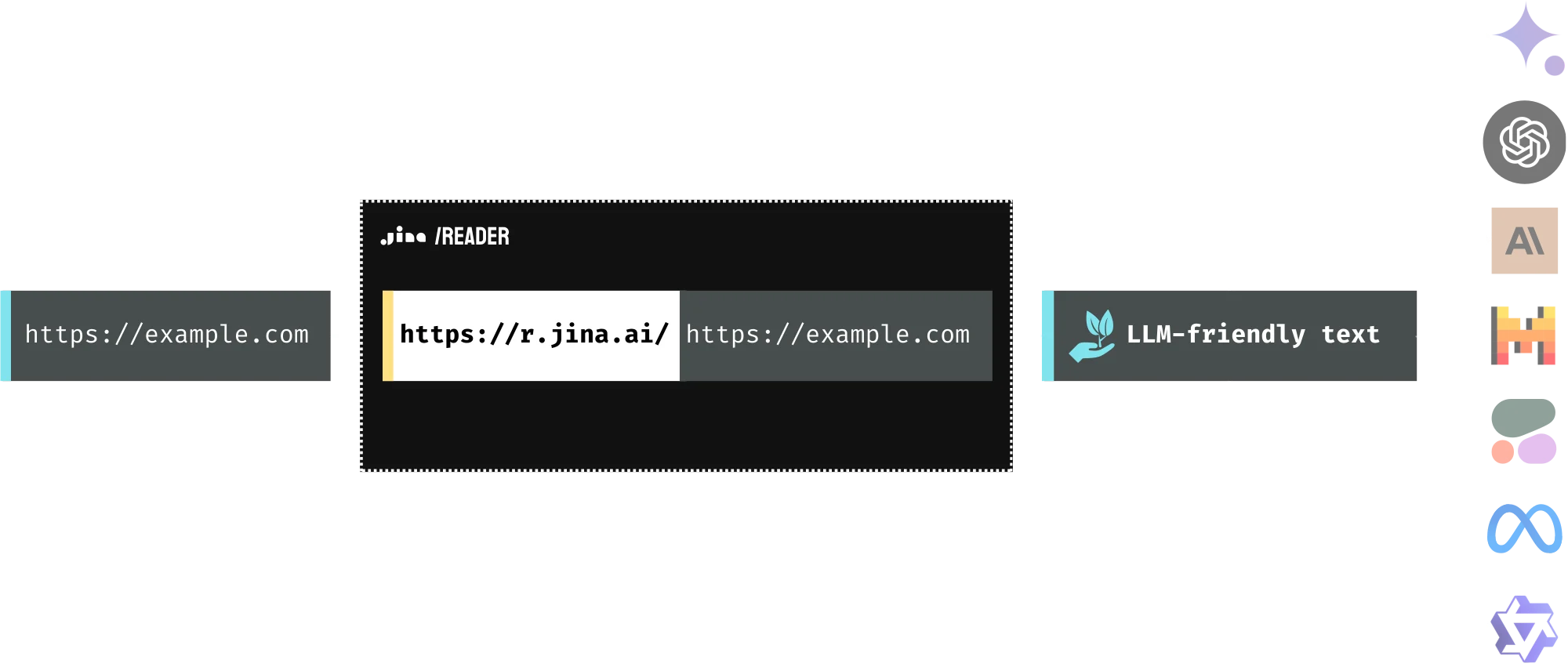
Web pages carry navigation, scripts, layout, and content together. Reader turns a supplied URL into focused text for search, agents, and retrieval-augmented generation.
The response will appear here.
The response will appear here.
The question uses up to 32,000 characters of the extracted page.
Find web pages, read their contents, and use those sources to ground a model’s answer.
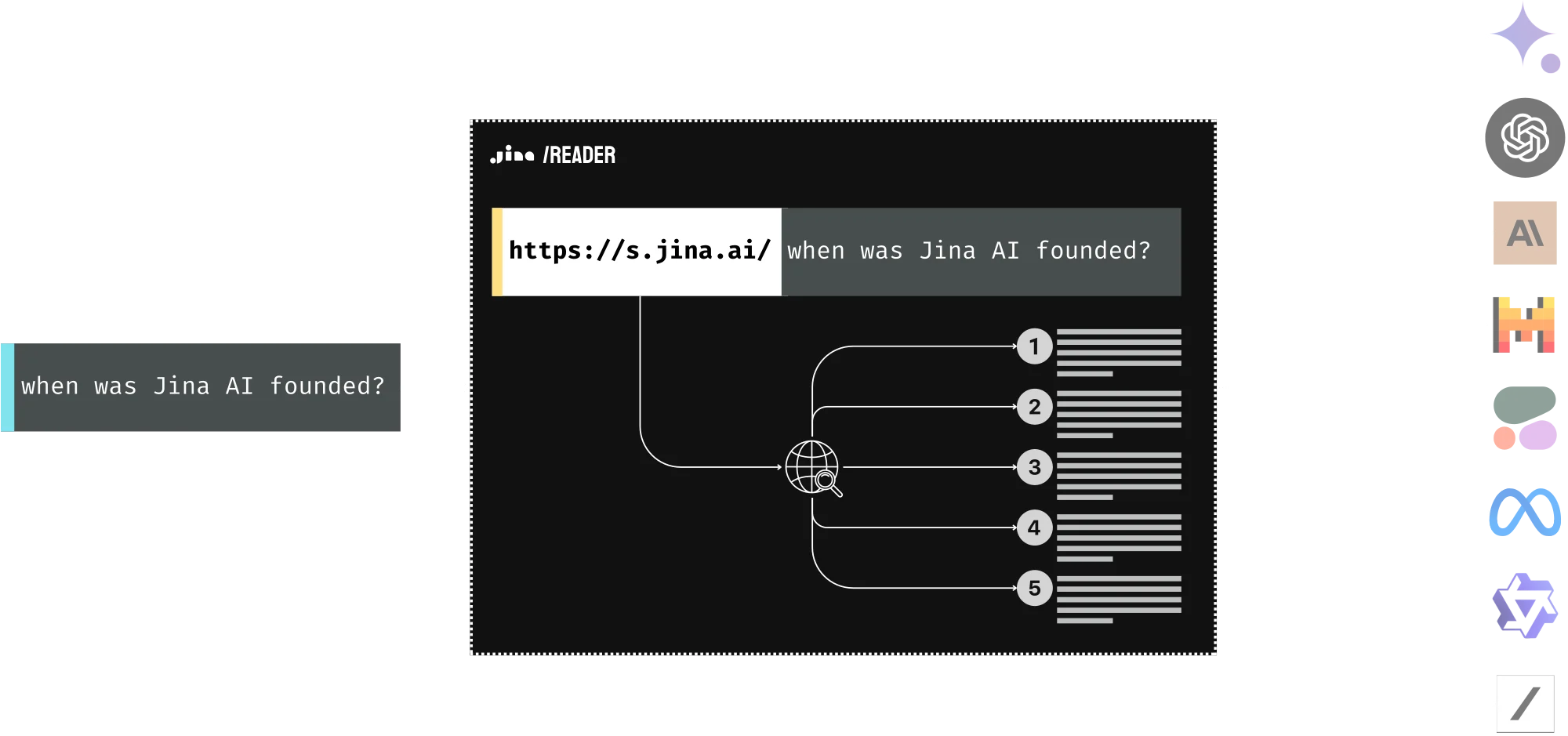
https://s.chatsax.com/What%20is%20retrieval-augmented%20generation%3FGenerated image descriptions preserve visual clues in the text you pass to a language model.
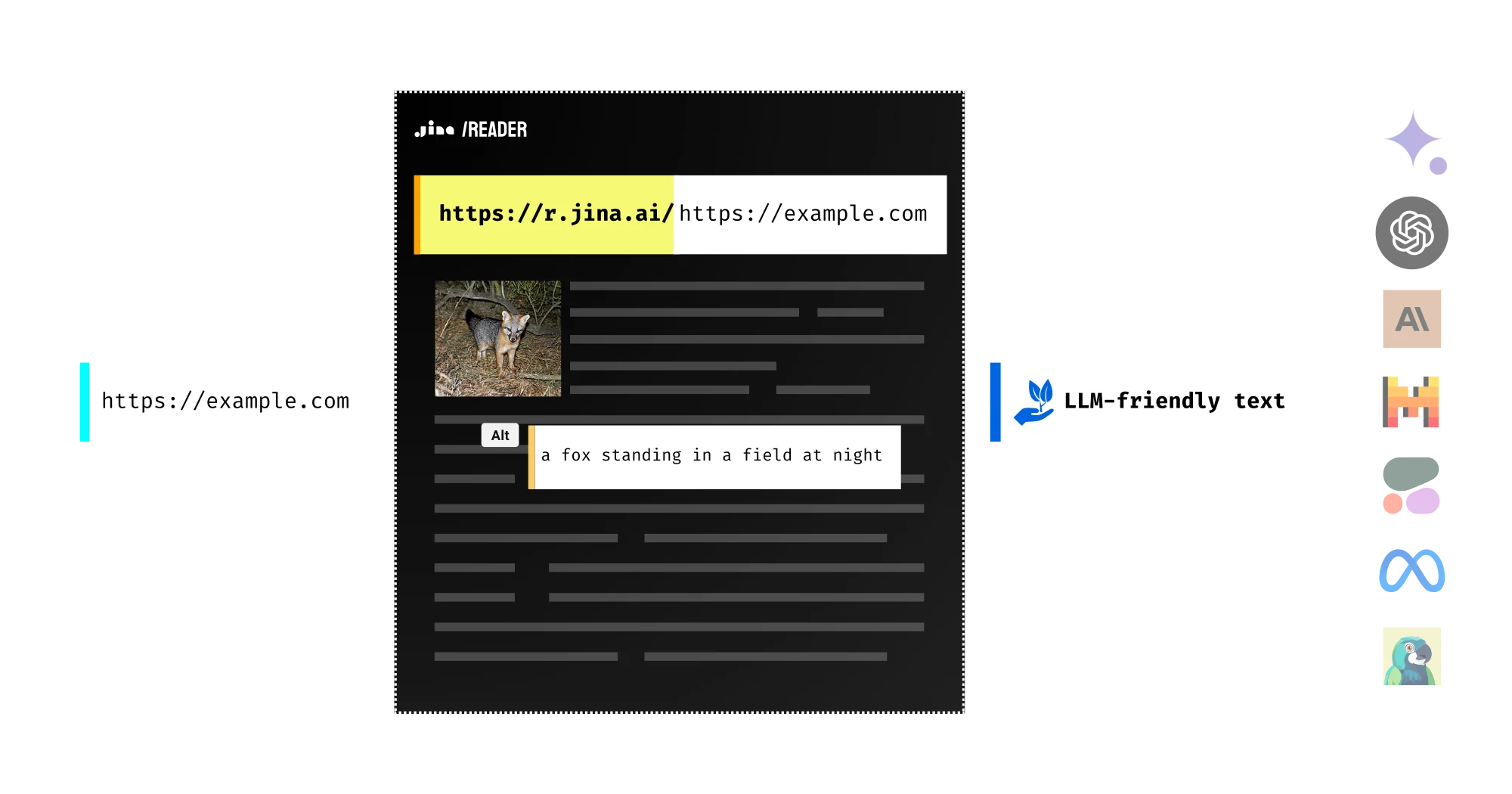
Enable image captions in the playground, retain image URLs, and let the next model follow the original visual source when more detail is needed.
Explore extraction optionsRead public reports and papers through the same URL workflow, or upload a local document in the playground.
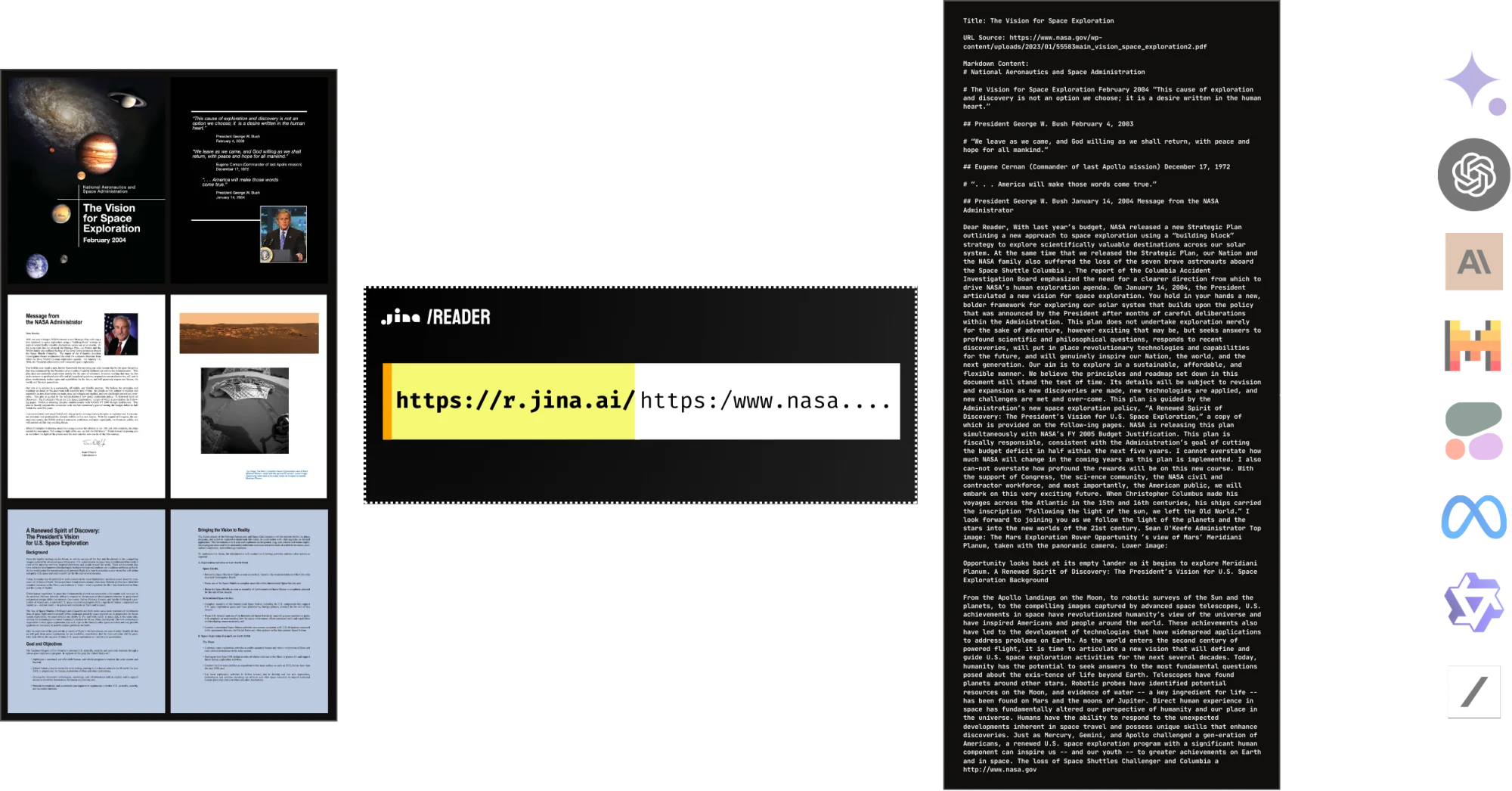
A public NASA report used as a document-reading example.
Choose the account and usage plan that fits your workload.
Your key’s assigned limits apply alongside the provider’s service capacity. Check the dashboard for the limits currently active on your account.
| Service | Method | Usage basis |
|---|---|---|
| Reader | GET / POST | Output tokens |
| Search | GET / POST | Search request and content |
| Embeddings | POST | Input tokens and modalities |
| Reranker | POST | Query and candidate documents |
The active request limit depends on your key and the upstream service. Check the rate-limit page for the limit assigned to your key, and use the retry information returned by a rate-limited response.
Reader normally counts tokens in the returned content. Options such as ReaderLM or web search can use a different rate; review the active pricing and recorded usage.
The service loads the supplied URL, extracts the relevant page content, and returns Markdown, text, HTML, or a screenshot according to your request.
Jina publishes its Reader implementation. The source link explains the extraction pipeline; Chatsax adds its own access and gateway layer.
Latency depends on the target site, cache state, browser engine, and readiness settings. A simple cached page and an interactive application have very different loading costs.
Clean document text reduces navigation, scripts, and markup in the context you send to a model. Raw HTML remains available when structure is useful.
Reader preserves the language of the source. Browser locale controls can help request the localized version a website serves.
A URL does not grant access to restricted content. Use authorized access, and supply supported cookies or proxy settings only when you have permission.
Use a public PDF URL or upload a local PDF in the playground. Scanned and image-heavy pages may need visual extraction; inspect the response before indexing it.
Images can remain as Markdown references, be removed, or receive generated captions. Choose the output that suits the model consuming the document.
Upload the file and provide a reference URL so that relative resources and links have a meaningful base.
Set cache tolerance to accept recent content, or bypass the cache when freshness matters. Requests with custom authentication may not be cacheable.
Reader supports forwarding cookies for authorized sessions. Some applications still require interactions that a single extraction request cannot reproduce.
Yes. Supply the PDF URL rather than an abstract page when you need the paper itself. Rate limits on the source website can still affect access.
Enable generated alt text to add a visual description to image references. Captions are model output and should be checked for important details.
Use a managed key, inspect errors and latency, control concurrency, and choose cache settings according to how quickly your sources change.
It is useful when document structure makes rule-based HTML conversion difficult. Enable ReaderLM in the playground and compare the resulting content and usage.
Use ReaderLM with an extraction instruction and JSON schema, then validate the returned fields in your application.
No access result is guaranteed. Target websites may reject automated traffic regardless of the available browser settings or account tier.
A higher service tier changes service limits; it does not confer authorization on third-party websites.
The public Reader repository is a useful starting point. Review its license, dependencies, browser requirements, and the parts you need to operate yourself.
Some hosted models may need to load or initialize before serving a request. Latency also depends on the input size and current service load. Keep a timeout suited to the workload and inspect errors before retrying.
A key can access the services assigned to its scopes. Review the key in the dashboard before sharing it with an application.
Open the key manager to inspect recorded requests, status, latency, and available usage data for the selected key.
Sign in to manage your keys. If a key may be exposed, revoke it and update the applications that use it.
Access follows the expiry and status configured for the key. A key that is revoked or expired cannot be used for new requests.
Use only the transfer options available in your account. Do not assume that provider balances and Chatsax balances are interchangeable.
Use the key manager. Revocation stops future access, so update any dependent applications before retiring a key.
Check the platform privacy terms and the selected provider’s policy. Avoid sending material your organization has not approved for that service.
Use the status and retry information returned by the API. Add backoff and control concurrency instead of continuously retrying the same request.
The batch workflow supports submitting a job, checking its status, and downloading its output when the selected provider completes it.
Chatsax is independently operated. The current model APIs are provided by Jina, whose papers and model cards are linked for reference.
Each service has its own metering rules. Reading, search, embedding, and generation can count different units; review the active pricing before use.
Open the dashboard to receive a visitor key automatically. Sign in when you need account management or token purchases. The account screen shows your available balance and access.
The provider may have processed work before the connection ended. Review the recorded usage and billing status rather than inferring them from a closed browser tab.
The checkout screen displays payment methods available for your region, currency, and account.
Use the billing portal linked from your account, and retain the payment confirmation associated with the purchase.
No. API credit pays for hosted usage. Downloading and commercially running model weights follows the model’s separate license.
Use the contact page to describe the services, traffic, latency, and deployment requirements you need.
Check the selected account and key, the payment status, and the latest usage records. Keep the payment reference when contacting support.
Use the billing controls provided in the account or payment portal. Check the confirmation after changing an automatic payment setting.